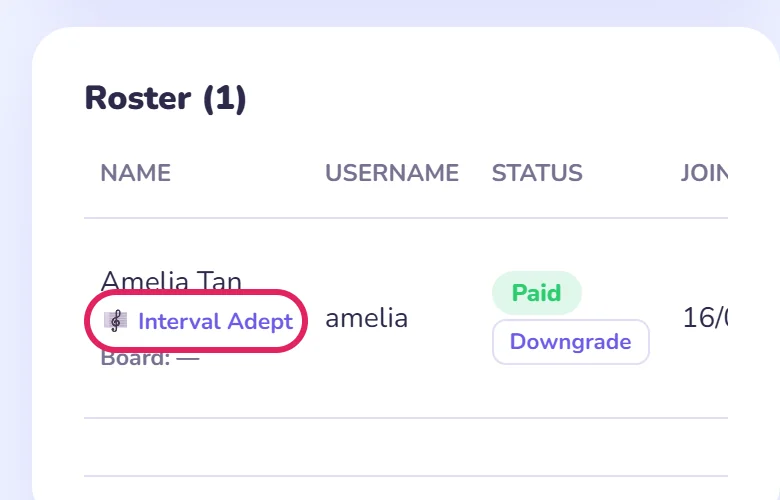
My Students
Loading your roster…
This page is your home in Interval Hero. It holds your join code, your student roster, and the assignments you send. You'll land here every time you log in.
To practise yourself, use ← Back to app at the top of this page.
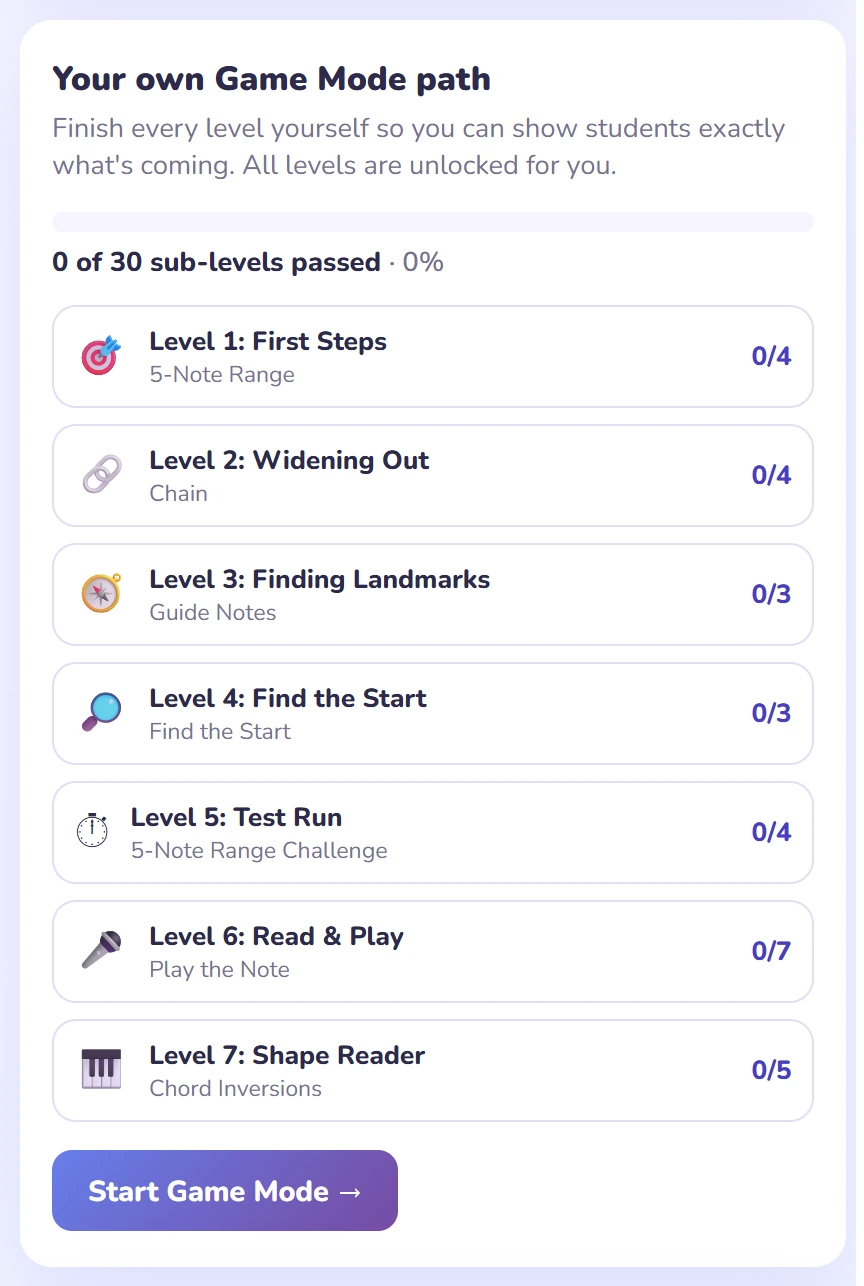
Interval Hero teaches through Game Mode: 7 levels, 30 sub-levels, always in the same order. Your students will follow this exact path.
Please complete every level and every sub-level yourself first. Then you'll know what each step asks of a student, where they tend to get stuck, and you can demonstrate the next step in a lesson instead of guessing.
All levels are unlocked for teacher accounts, so nothing stands in your way.
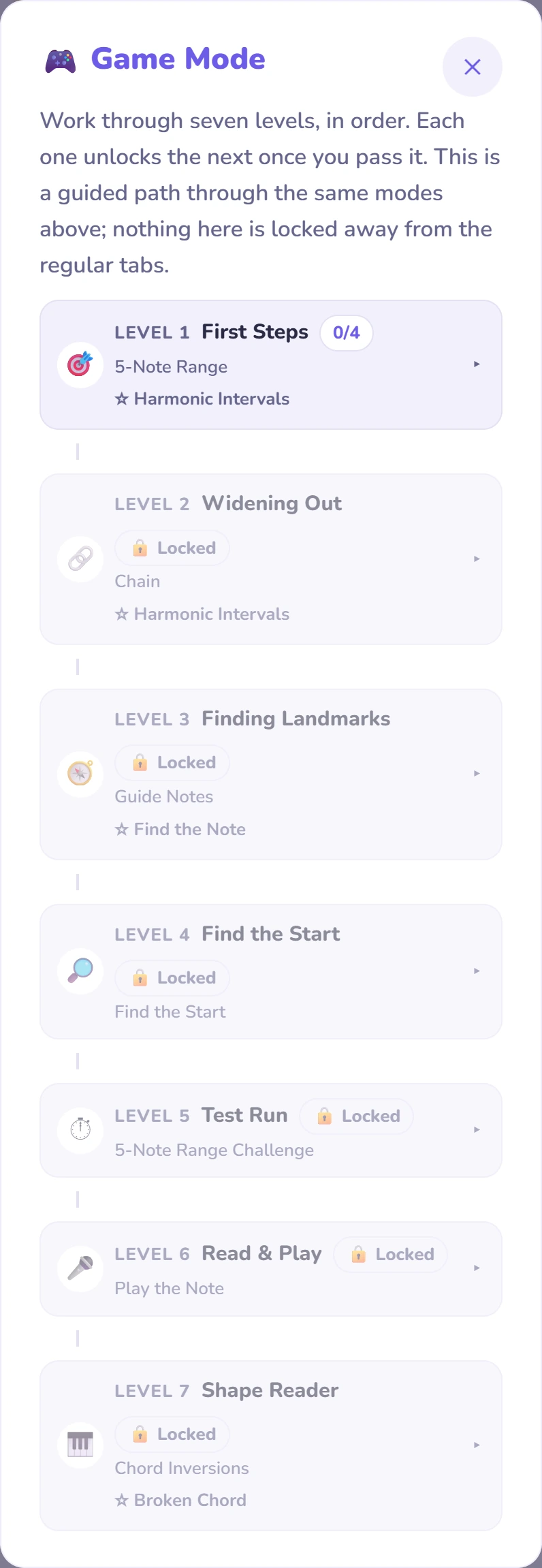
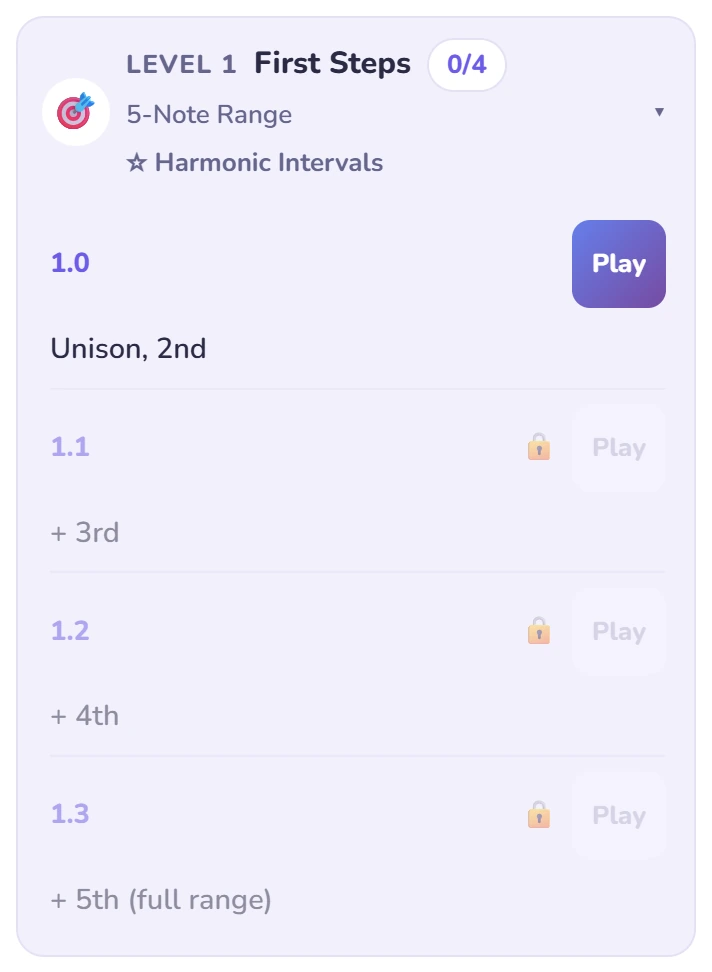
Sub-levels unlock one after another. Passing a level's last sub-level opens the next level, and unlocks that mode for free practice.
From this page, tap ← Back to app, open the ☰ menu at the top right, and choose 🎮 Game Mode. Or use the Continue Game Mode button on this page's progress card, which takes you straight there.
That card keeps count for you: it shows how many of the 30 sub-levels you've passed, and disappears once you've done them all.
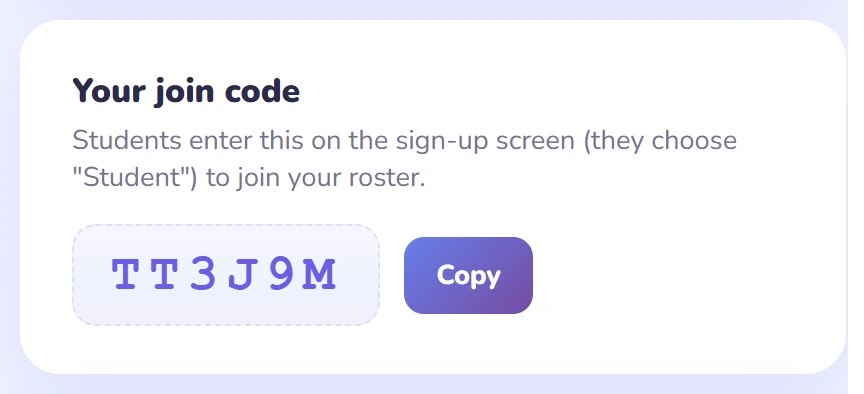
Share your join code. Students pick Student when they sign up and enter the code, and they appear in your roster right away, with their last practice, assignments and Checkpoint results.
When you're ready for more, the Teacher's Handbook covers lesson recipes, scoring and every mode in depth. You can reopen this guide any time with 📖 How to use Interval Hero.